• Skip to primary navigation
  • Skip to main content
  • Skip to primary sidebar
Voila Moola

Voila Moola

Money Saving Tips. Budgeting. Financial Planning. Manage your life on a budget. Get free tips and tricks to save money, make money and budgeting finances.

  • Budgeting
  • Make Money
  • Save Money
  • Vacationing
  • Work From Home
  • Downloads
  • Checkout

Fill Out a Money Order. Here’s How

April 21, 2021 by Hailey Harris Leave a Comment

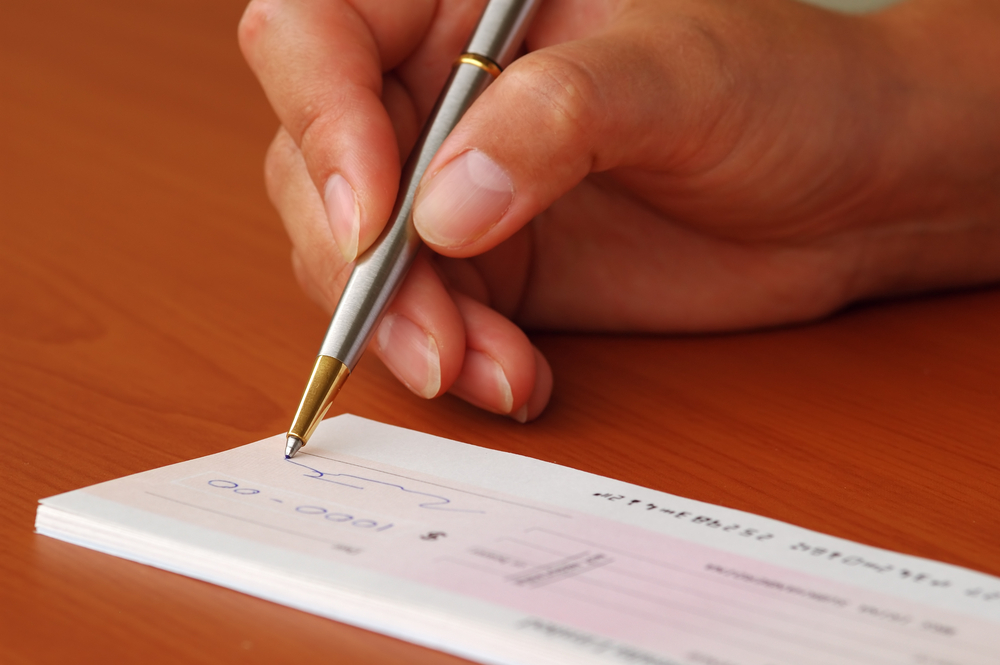
A money order is a type of check. It is more secure than a personal check because it is prepaid. That gives the recipient the security of knowing the check won’t bounce. Money orders are used for paying smaller amounts of money than cashier’s checks. They are also used by those who do not have, or do not want, to use a personal checking account. Money orders can also be purchased in more places, such as your local supermarket or post office. If you need a money order, it’s essential to know how to fill out a money order properly. Make a mistake, and your money may not be delivered to the right person.
Voilamoola.com is the mecca of personal finance! Stop stressing over the things you never learned in high school! Finally learn how to fill out a money order and grab your finances by the horns.
Contents
1 How To Fill Out A Money Order
1.1 Here are the steps to fill one out correctly:

How To Fill Out A Money Order

Money Order | How to Fill Out a Money Order | Money Orders | Fill Out a Money Order

Here are the steps to fill one out correctly:

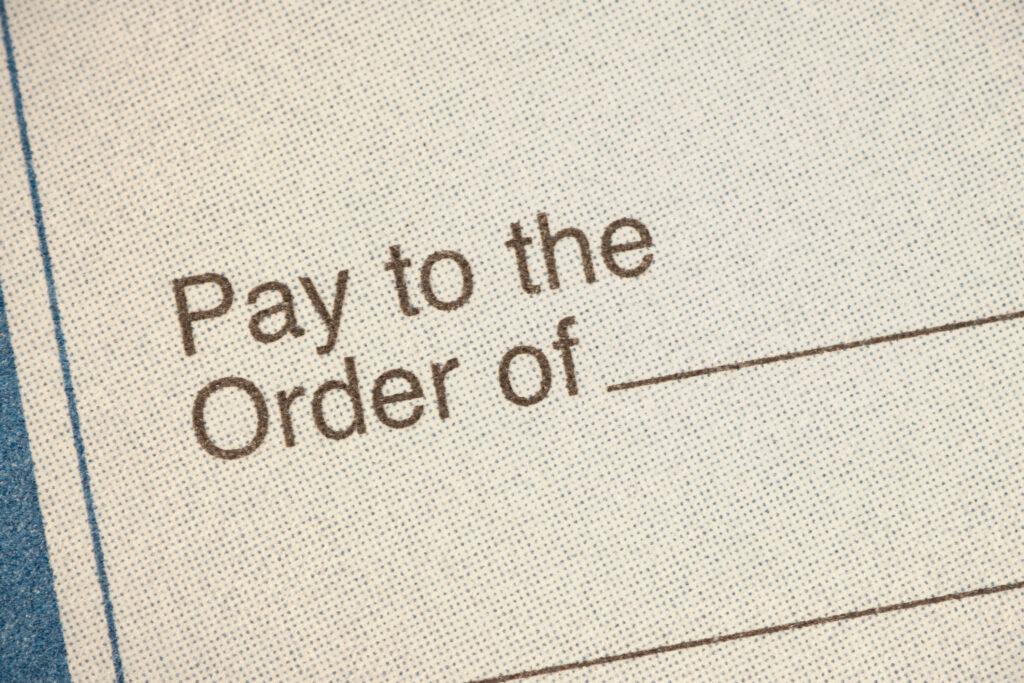
  1. On the “Payee” or “Pay to the order of” line, enter the name of the person or business you are paying.
  2. Enter the recipient’s full mailing address. Some money orders also have a space for you to enter your own address, in case the recipient needs to contact you about the money.
  3. In the section of the money order labeled “Re:” or “Memo,” you will need to enter details that help the recipient credit your payment correctly. For example, a business will need your account number. If this section is missing, you can add it somewhere on the front of the money order.
  4. Some money orders require your signature, but others do not. Whether or not it’s required will depend on the specific issuer. If there is a place for your signature, it will be marked “Signature,” or “Purchaser.” Do not sign the back of the money order, because this is reserved for the recipient to sign when they receive your money order.
How To Fill Out A Money Order

In case there is a problem with the money order, you will want to hang onto any receipts or carbon copies that are given to you when you make the purchase. If by chance you need to cancel the money order later, you will definitely need the receipt to do so.

Before you go, check out my post on money network cards.

Filed Under: Money, Money Tutorials Tagged With: How to, How to Fill Out a Money Order, Money, Money Order, Money Order Tips and Tricks, Money Order Tutorial, Money Orders, Money Tutorials

Reader Interactions

Leave a Reply Cancel reply

Your email address will not be published. Required fields are marked *

Primary Sidebar


Follow Me On Social Media for More Money Saving Tips


Pinterest
Facebook

RSS The Latest

  • 5 Financial Tips for New Parents
  • 10 Discounts Seniors Shouldn’t Miss
  • Cheapest Places to Vacation in the U.S.
  • 10 Things To Stop Buying to Save Money
  • How to Make a Finance Bullet Journal

Newsletter

**Posts may contain affiliate links and I will be compensated if you make a purchase after clicking on my links


Follow Me On Social Media for More Money Saving Tips


Pinterest
Facebook

Recent Posts

  • 5 Financial Tips for New Parents
  • 10 Discounts Seniors Shouldn’t Miss
  • Cheapest Places to Vacation in the U.S.
  • 10 Things To Stop Buying to Save Money
  • How to Make a Finance Bullet Journal

Recent Comments

    Archives

    • August 2021
    • July 2021
    • April 2021
    • March 2021
    • February 2021
    • January 2021
    • December 2020
    • October 2020
    • September 2020
    • August 2020
    • July 2020
    • May 2020
    • April 2020
    • March 2020
    • February 2020
    • January 2020
    • December 2019
    • November 2019
    • October 2019
    • September 2019
    • August 2019
    • July 2019
    • June 2019
    • May 2019
    • April 2019
    • March 2019
    • February 2019
    • January 2019
    • December 2018
    • November 2018
    • October 2018
    • September 2018
    • August 2018
    • July 2018
    • June 2018
    • May 2018
    • April 2018
    • March 2018
    • February 2018
    • January 2018
    • December 2017
    • November 2017
    • October 2017
    • September 2017
    • August 2017
    • July 2017

    Categories

    • Budget Your Money
    • Budgeting
    • Consumer
    • Credit
    • Debt
    • Instagram
    • Make Money
    • Money
    • Money Tutorials
    • Save Money
    • Scam
    • Uncategorized
    • Vacationing
    • valentine's day
    • Work From Home

    Meta

    • Log in
    • Entries feed
    • Comments feed
    • WordPress.org

    Copyright © 2026 · Genesis Sample on Genesis Framework · WordPress · Log in

    • Newsletter